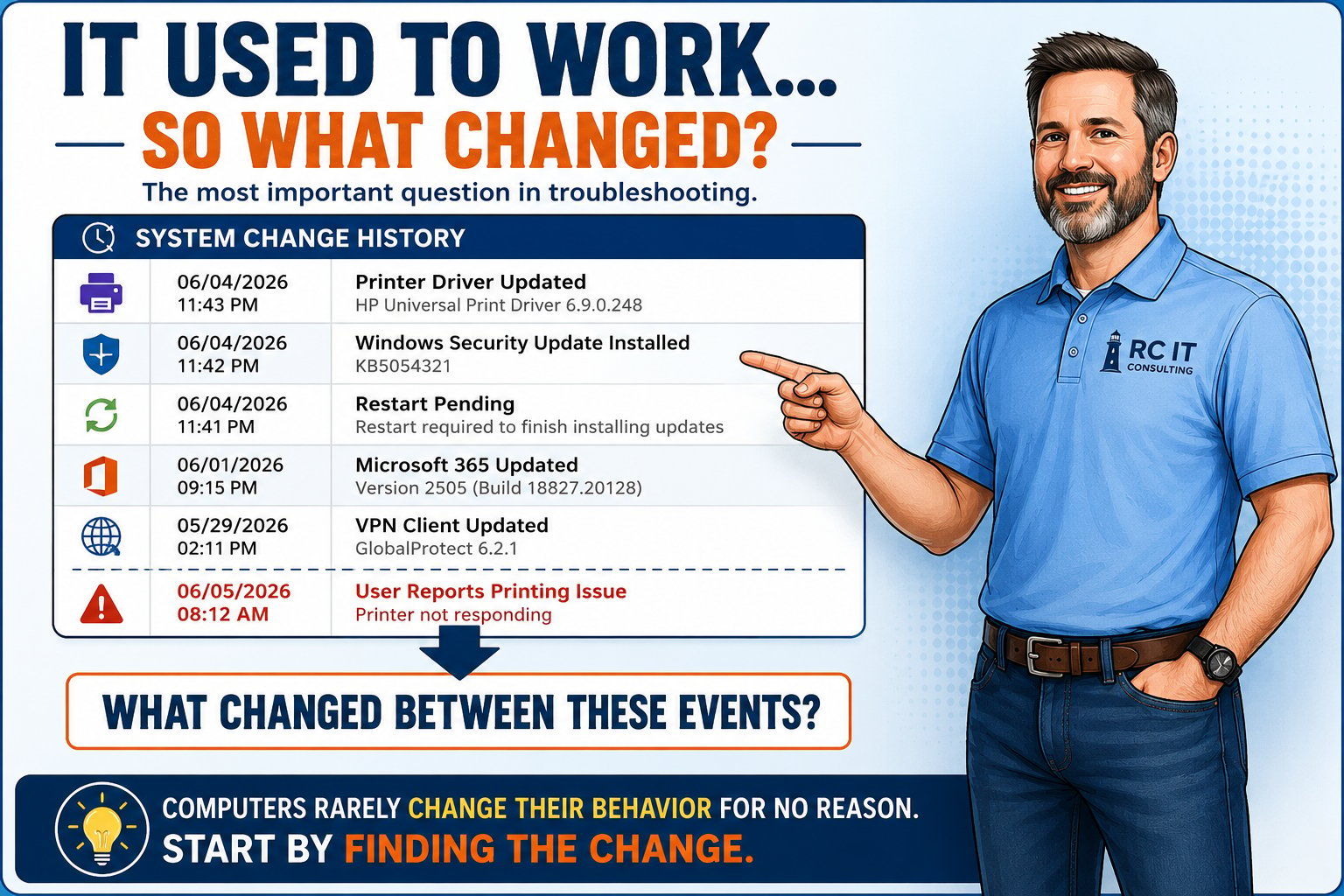
A simple troubleshooting guide to help you identify what might have changed since your technology last worked correctly.
Right-click the image above and save, or use the button.
When was the last time this worked correctly?
What changed between then and now? Updates, new software, new hardware, new settings?
Does it affect everyone or just one person? One computer or many? All the time or sometimes?
Even if you're not sure what caused the problem, knowing what changed gives support a head start.
RC IT can help identify the cause and recommend practical solutions.