RC Recommendation #001 General IT

First Things First

5 simple checks that solve many common computer problems — before you call for help.
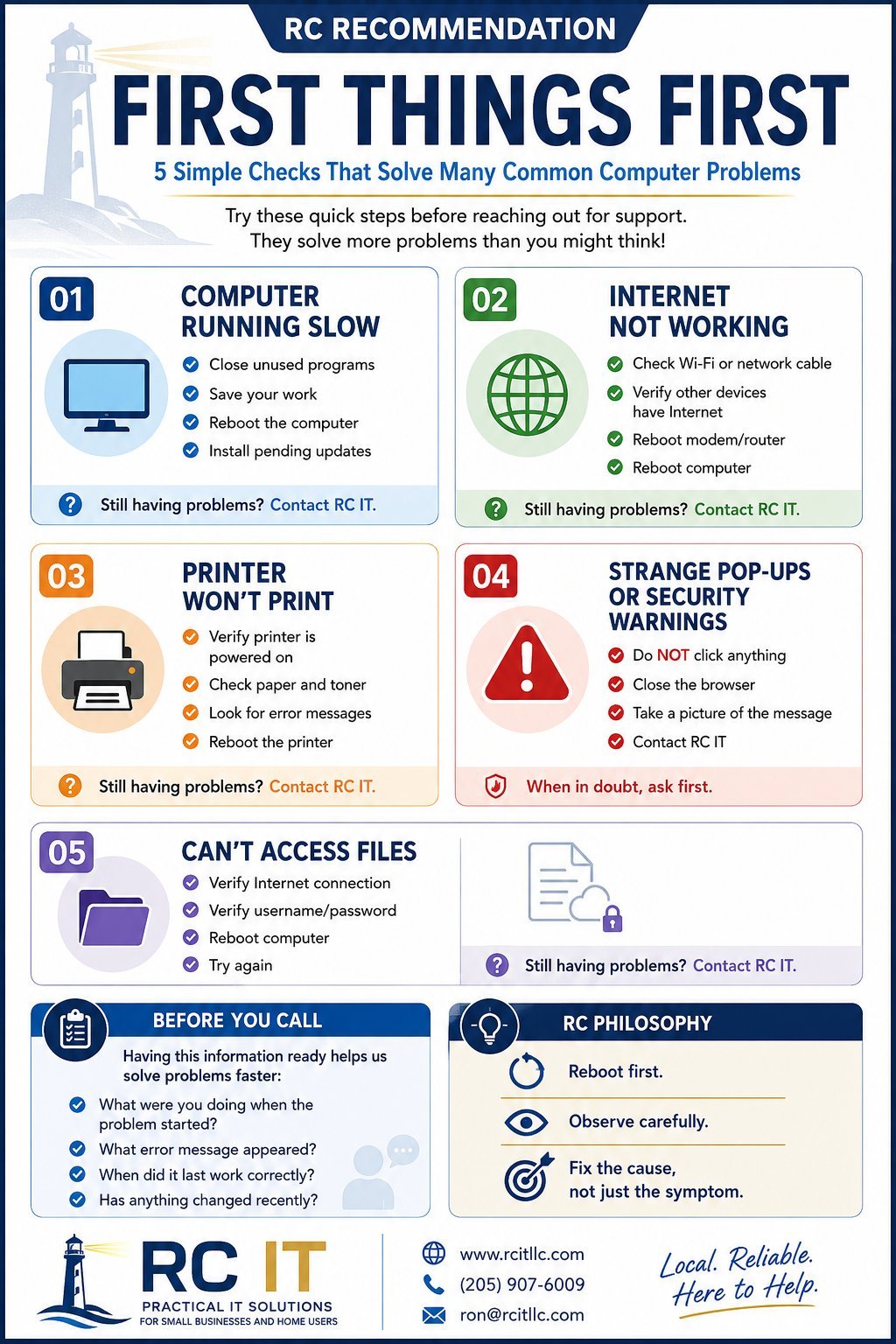
RC Recommendation: First Things First — Basic IT Troubleshooting checklist showing 5 common issues with solutions
Download Full Size Right-click the image above → Save As

Computer Running Slow

  • Close unused programs
  • Save your work
  • Reboot the computer
  • Install pending updates

Internet Not Working

  • Check Wi-Fi or network cable
  • Verify other devices have Internet
  • Reboot modem/router
  • Reboot computer

Printer Won't Print

  • Verify printer is powered on
  • Check paper and toner
  • Look for error messages
  • Reboot the printer

Strange Pop-Ups or Warnings

  • Do NOT click anything
  • Close the browser
  • Take a picture of the message
  • Contact RC IT

Can't Access Files

  • Verify Internet connection
  • Verify username/password
  • Reboot computer
  • Try again

Before You Call

Having this information ready helps us solve problems faster:

  • What were you doing when the problem started?
  • What error message appeared?
  • When did it last work correctly?
  • Has anything changed recently?

"Reboot first. Observe carefully. Fix the cause, not just the symptom."

— The RC Philosophy

Still stuck? We're here to help.